
Access your seed words for backup verification or recovery purposes.
Complete Step-by-Step Process with All Screenshots
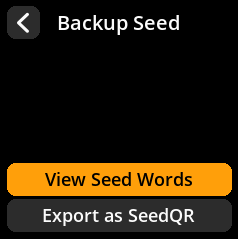
- Navigate:
Home → Seeds → [Select Seed] → Backup Seed → View Seed Words


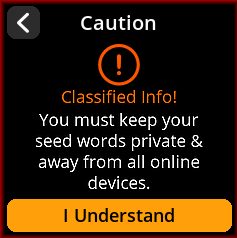
- Acknowledge Security Warning: Press “I Understand” for the classified information warning
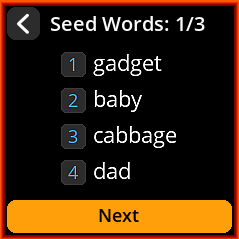
- Review All Words: View your complete seed phrase (displayed 4 words at a time)
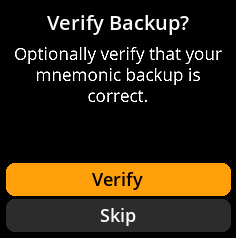
- Optional Verification: Complete backup verification process by selecting verify or else select skip to proceed
- Exit Securely: Ensure you’re in a private location before viewing
🔐 Critical Security Warning: Only view seed words in a completely private, secure location away from cameras, other people, and any recording devices. Consider covering the screen from different angles.