
Securely approve and sign Bitcoin transactions created by your wallet software. PSBT (Partially Signed Bitcoin Transaction) is the standard format for unsigned transactions.
Complete Step-by-Step Process with All Screenshots
- Access Signing: From your seed’s main screen, select “Scan PSBT”
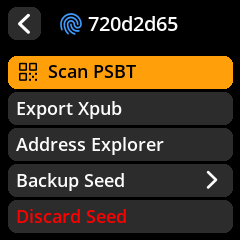
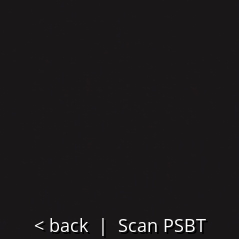
- Scan Transaction QR: Point the camera at the transaction QR code generated by your wallet software
- Review Transaction Details: Carefully verify ALL information displayed
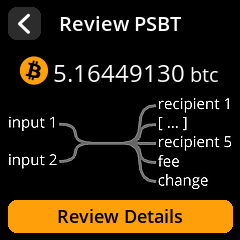
Critical Items to Verify:
- ✅ Recipient address – Confirm this matches your intended destination
- ✅ Amount being sent – Verify the exact Bitcoin amount
- ✅ Transaction fee – Check that the fee is reasonable
- ✅ Change address – Ensure change returns to your wallet
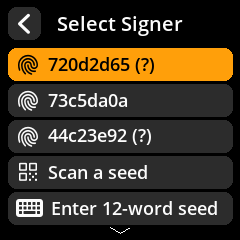
- Select Signing Seed: Choose the appropriate seed if multiple are loaded
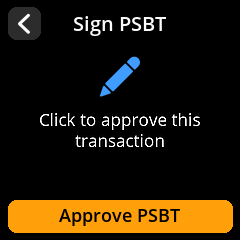
- Authorize Signing: Confirm you want to sign this transaction
- Broadcast Transaction: Scan the resulting signed QR code back into your wallet software
- Confirm Broadcast: Your wallet will broadcast the transaction to the Bitcoin network
🚨 Critical Security Check: Bitcoin transactions are irreversible once broadcast to the network. ALWAYS verify the recipient address and amount before signing. Double-check that the recipient address matches your intended destination exactly.