
Invert display colors for different viewing preferences or hardware configurations.
Step-by-Step Process
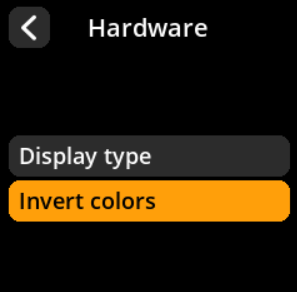
- Navigate: Settings → Advanced → Hardware → Invert Colors
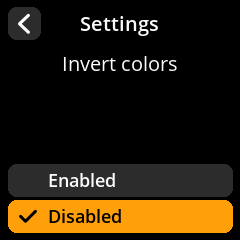
- Choose Color Mode:
- Enabled – Invert display colors (default)
- Disabled – Standard color display


🔧 Troubleshooting Use: Run hardware tests if you’re experiencing issues with button responses, display problems, or camera malfunctions. This helps isolate hardware vs. software issues.